
Services

The jobs a small office actually calls about

Printer acting up. Backup you don’t trust. Email that isn’t arriving. A new PC that isn’t ready. We cover those, and the systems underneath them.

  • Printer acting up?
  • Backup failed?
  • Email not arriving?
  • Need a new Microsoft 365 user?
Headset on a laptop, ready for a remote support call

Remote & Onsite Support

Small offices don’t have a spare afternoon for an IT fire. We handle the everyday stuff remotely — hardware, software, Microsoft 365, and the network — and we still come onsite in Greater Mid-Michigan when someone has to be in the room. During business hours, support requests get a response within 60 minutes.

  • Password resets, software help, and printer trouble
  • Slow PCs cleaned up, including clutter and bad software
  • New Microsoft 365 users created and set up
  • Secure remote access to an office PC, not an open remote-desktop hole
  • Onsite visits in Greater Mid-Michigan when the job needs hands
  • Response within 60 minutes during business hours

Service details
Desk with a laptop and monitor set up for business email

Microsoft 365 & Email

Email is still how the work gets done. We set up and take care of Microsoft 365 — mail, Teams, shared files, and the next hire — with spam filtering and backup. If the office wants SmarterMail instead, or Google, those are their own services.

  • Hosted email with spam filtering and real backup
  • Microsoft 365 aligned so people can work from the office or the kitchen table
  • Teams for calls, chat, and shared documents
  • OneDrive so files aren’t living on one laptop
  • New users, people who leave, and shared mailboxes handled for you
Service details
A laptop and monitor on a desk, set up for shared files and mail

Google Workspace

Some offices live in Google, not Microsoft. We set up and take care of Google Workspace: business Gmail, shared drives, Docs, Meet, and Calendar, with the accounts, groups, and access a small staff actually needs. New hires, people who leave, and a shared mailbox are part of the same job.

  • Business Gmail with spam filtering and a real domain
  • Shared drives so files are not stuck on one laptop
  • Meet, Calendar, and Docs the office can actually find
  • New users, people who leave, groups, and shared mailboxes
  • A move onto Workspace from the mail host you have now
Service details
A small server rack with blue status lights in a quiet office room

SmarterMail Hosting

Some offices want business email they control: their domain, their mailboxes, and someone who answers when mail stops. We host and take care of SmarterMail — mail, calendars, contacts, and webmail — including new users, people who leave, and shared mailboxes. Outlook, phones, and the web client stay connected. If you are moving off another host, the mailbox move is part of the job.

  • Hosted SmarterMail on your domain
  • Mail, calendars, contacts, and webmail
  • Outlook, phone, and web access set up for each person
  • New users, people who leave, and shared mailboxes
  • A move from the mail host you have now
Service details
A laptop and monitor on a desk, set up for business email

Complete Email Services

The mailbox is only part of email. We set up what happens before a message reaches someone, and what happens when one goes out: incoming filtering, an archive you can search later, encryption when a message should not travel in the open, and the DNS records so other servers trust your domain. We also move mail between hosts when the office is changing systems. This sits alongside Microsoft 365, Google Workspace, or SmarterMail. It is not a second inbox.

  • Incoming filtering for spam and malware
  • Searchable email archiving
  • Encryption for messages that should stay private
  • Outgoing delivery, including SPF, DKIM, and DMARC
  • Migration between mail hosts, with the old mail still there after the cutover
Service details
A laptop on a small-office desk, ready for everyday work

Practical AI Setup

Most small offices do not need a custom model. They need the assistant that already belongs in Microsoft 365 or Google Workspace, pointed at the right files and nothing else. We turn it on for the people who will use it, clean up sharing so it cannot open the wrong folders, and set up two or three real jobs: a reply, a meeting summary, finding a file, or notes turned into a quote. Then we sit down with you once. The license is billed by Microsoft or Google, separate from our setup. If mail, files, and passwords are still a mess, that gets fixed first.

  • Copilot if the office is on Microsoft, Gemini if it is on Google
  • Turned on for the people who will use it, not every mailbox
  • Sharing cleaned up before the assistant can see company files
  • Two or three jobs you already do: replies, meeting notes, finding a file, a quote from notes
  • A one-page rule for what may go into a public chatbot
  • One working session, not a training course
Service details
A new laptop unpacked on a desk, ready to be set up

New PC Setup & Migration

Unbox it, get it on the internet, and we’ll take it from there. Updates, your software, your files and settings, and a checklist so the new machine doesn’t arrive with a headache. Most of this is remote. If the PC is staying in a Mid-Michigan office, we can be there for the swap.

  • Updates and the software you actually use
  • Files, mail, and settings moved from the old PC
  • A checklist so nothing obvious is left half-done
  • Remote setup once the machine is online
  • Onsite swap when the office is local
Service details
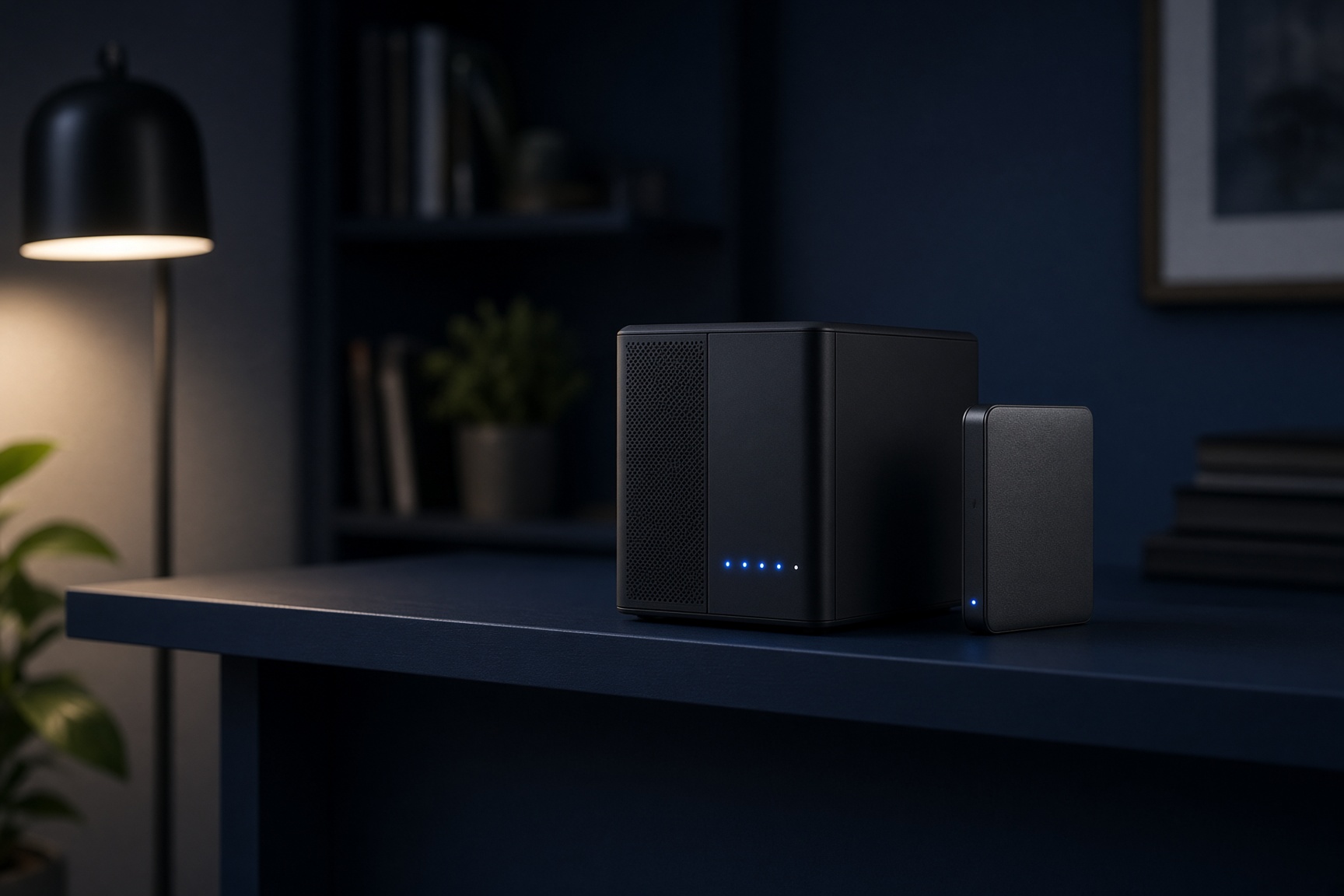
A compact backup appliance with status lights on a desk

Automated Backups

Cloud mail and files still disappear: someone deletes the wrong folder, or the vendor has a bad day. We set up automated backups you don’t have to remember, including cloud-to-cloud copies of Microsoft data, and we can restore a specific version instead of “whatever was last.” A backup you have never restored is a guess. We’d rather test it.

  • Automated, encrypted backup instead of a thumb drive in a drawer
  • Cloud-to-cloud copies of Microsoft 365 mail and files
  • Restore an earlier version, not only last night’s
  • On-premise backup where a local copy still makes sense
  • A restore test so recovery is proven, not assumed
Service details
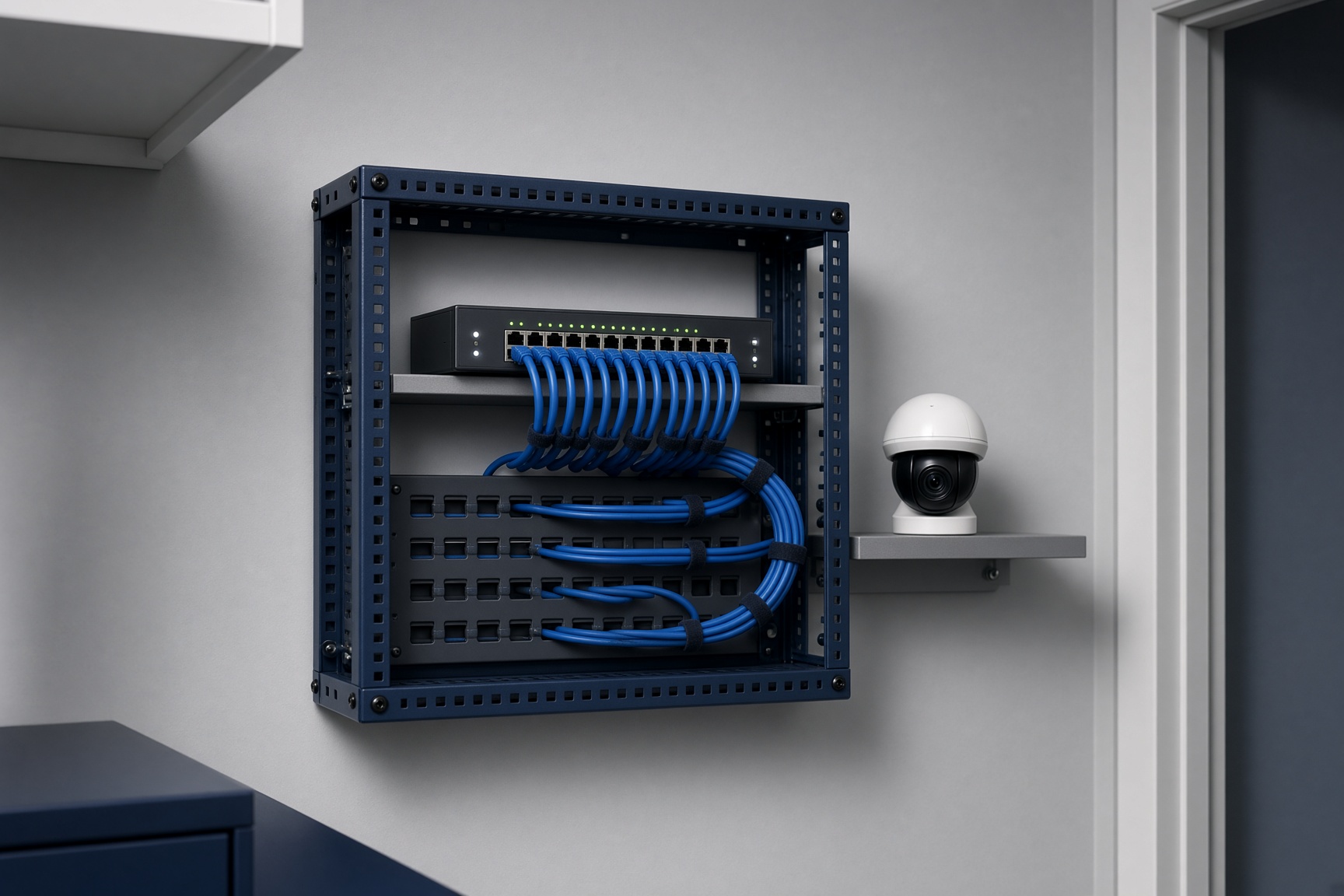
A small network rack with neat blue cables and a security camera

Network & Security

We design, install, and support the network a small business actually needs — reliable, documented, and not a pile of mystery gear. Security work sits next to that: assessments, practical access, and fewer open doors than a default setup leaves behind.

  • Network design, installation, and ongoing support
  • Security reviews aimed at a small office, not a Fortune 500 checklist
  • Spam filtering and locked-down remote access
  • Wi-Fi and wired coverage that matches the building
  • Documentation so the next change isn’t a treasure hunt
Service details
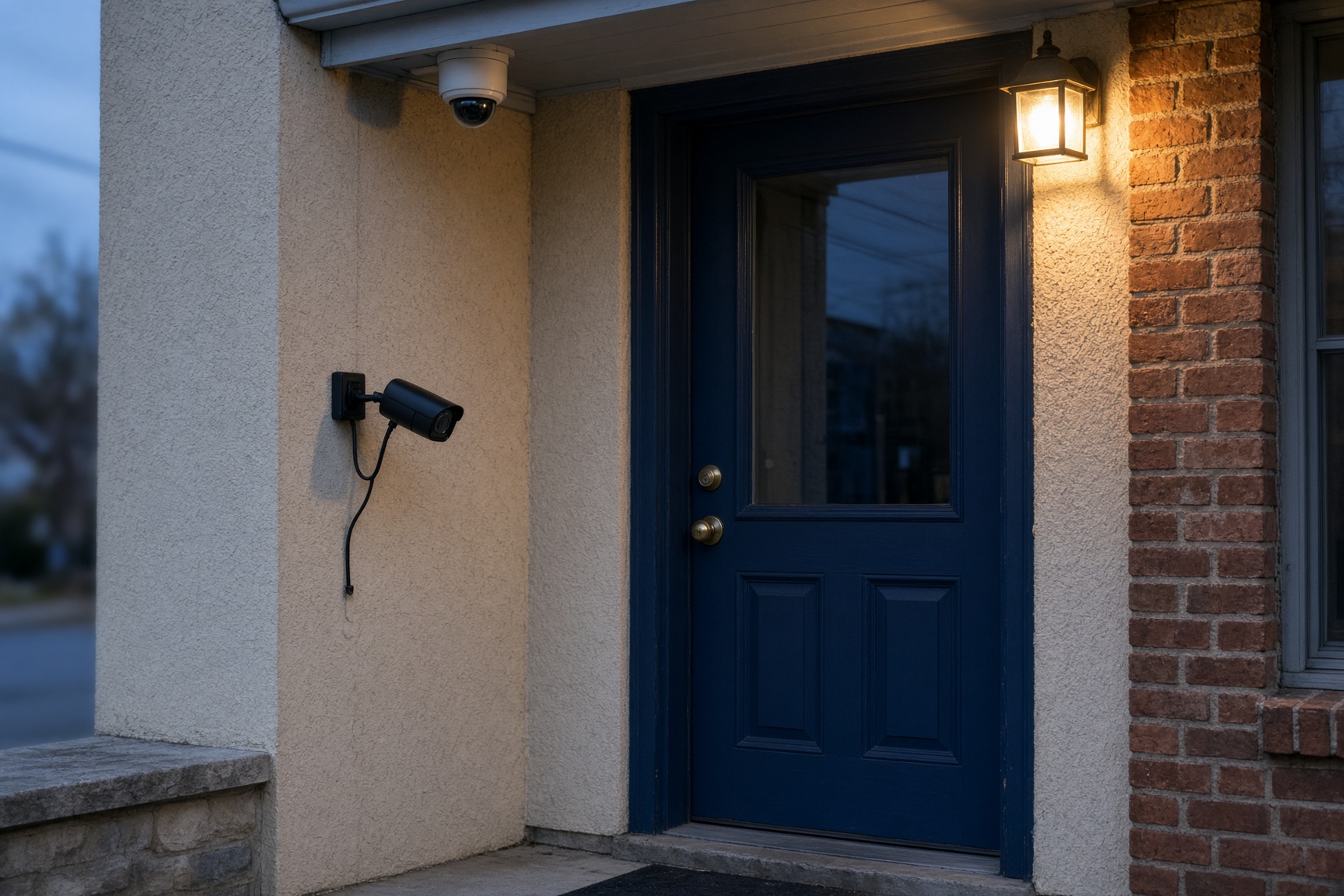
A dome camera and a bullet camera at a small-business doorway

Security Systems & Cameras

We design and install cameras, and the alarm or door hardware a small building needs, then keep supporting it after the install. The system is sized to the shop, the office, or the yard — not a campus. You should be able to pull up a door or a lot from a phone, and the recording should still be there when you need last Tuesday.

  • Camera layout for the doors, the floor, and the lot you care about
  • Indoor and outdoor cameras, installed and aimed
  • A recording you can open, not a box nobody remembers the password for
  • Phone or tablet viewing for the people who should have it
  • Alarm and door hardware when the building needs more than cameras
  • Onsite install in Greater Mid-Michigan, then support after
Service details
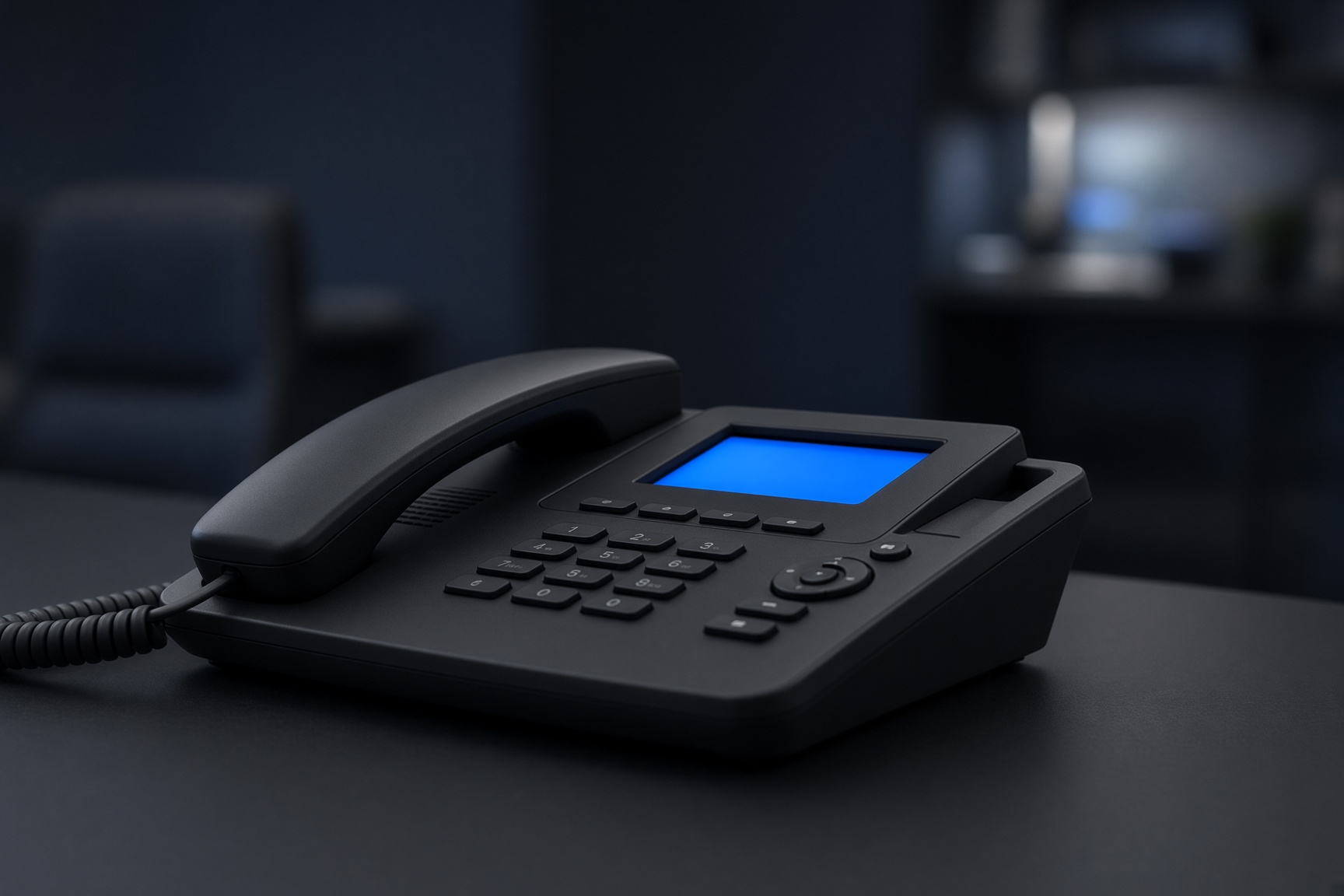
A modern desk phone on a dark office desk

Voice Services

We design, install, and support VoIP for small offices: automated attendants, conference calling, and voicemail-to-email. The point is a lower monthly bill and a phone that still works when people aren’t all in the same room.

  • VoIP sized for a small business, not a call center
  • Automated attendant and conference calling
  • Voicemail delivered to email
  • Lower monthly cost than a legacy line
  • We stay on after the cutover
Service details

Tell us what’s broken — or what you want next

A consultation is a conversation, not a pitch deck. Call, or send a note and we’ll say whether remote support, a setup, or a monthly plan is the right fit.

Get Started